msfgui
msfgui is the Metasploit Framework Graphical User Interface.
It provides the easiest way to use Metasploit, whether running locally or connecting remotely, build payloads, launch exploits, control sessions, and keep track of activity as you penetration test or just learn about security. It will never have ads, nag you to buy products, abuse your personal information, or even ask for your personal information.
To get msfgui on Windows, first install the Metasploit Framework. Last I checked when this page was updated, it was at this link: http://downloads.metasploit.com/data/releases/metasploit-latest-windows-installer.exe Then download the Windows msfgui installer here to get started. If you don't have Java installed, install that from java.com. You can also see an installation video on Windows 10 here.
Or, on Linux, get a copy from the github repository using
git checkout https://github.com/scriptjunkie/msfgui.git
then run msfgui. This is the best option since you can keep updated by running the command git pull
If you don't want to use git, you can just extract this zip file and run msfgui from there as well.
Something didn't work right?
In case you're coming here for support...
On the Help menu, select Factory Reset and restart msfgui. If you can't get to that point, manually reset by deleting the [your home directory]/.msf4/msfgui file.
If that doesn't work, try uninstalling msfgui and installing the latest version, then doing a Factory Reset again.
If it freezes when starting, metasploit might not have started right; try killing the java process, waiting 10 minutes and trying again.
If that still fails, leave a comment here and/or email me at scriptjunkie@scriptjunkie.us
Here are some screenshots of it in action:

Split Pane view (customizable)

Customize looks

Console

Main Window in GTK
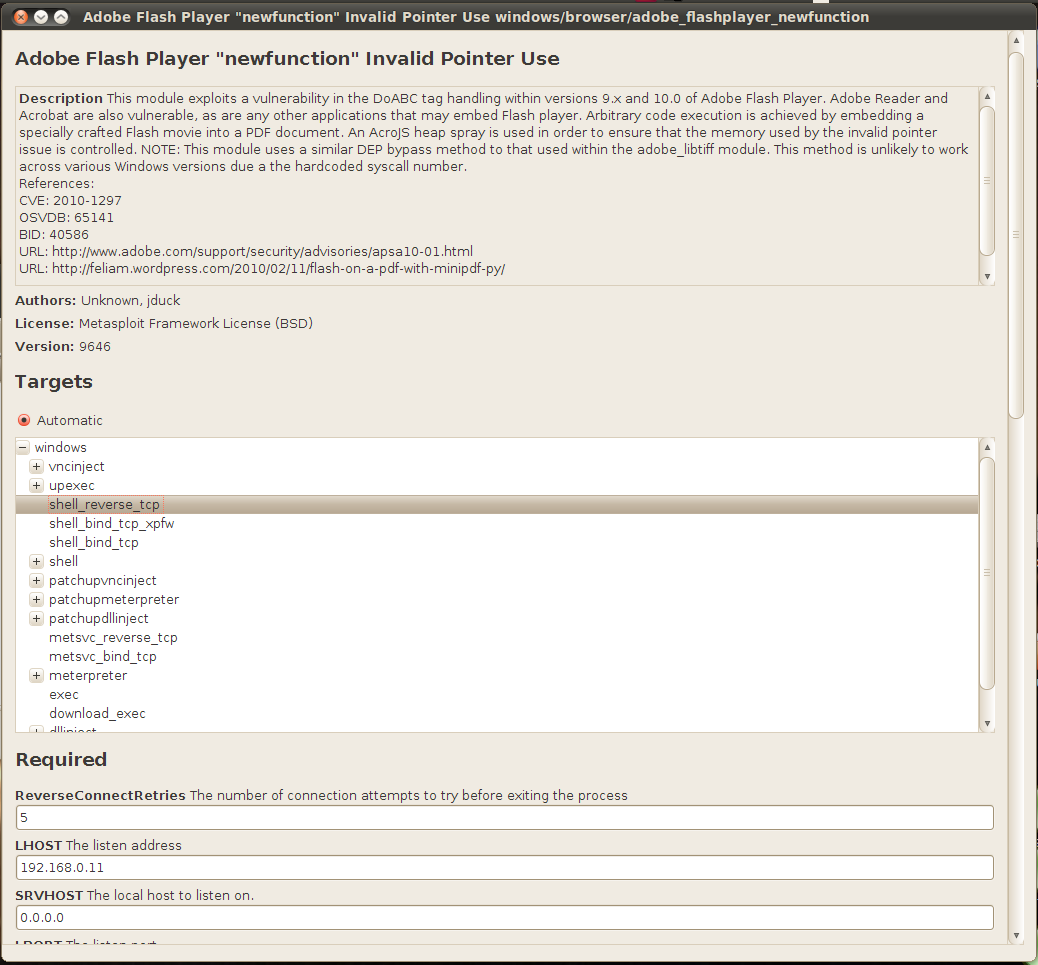
Launching Exploits
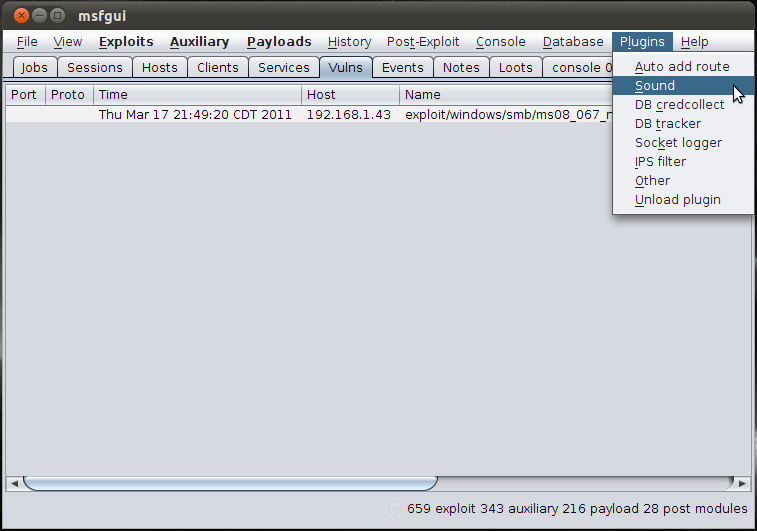
Loading Plugins
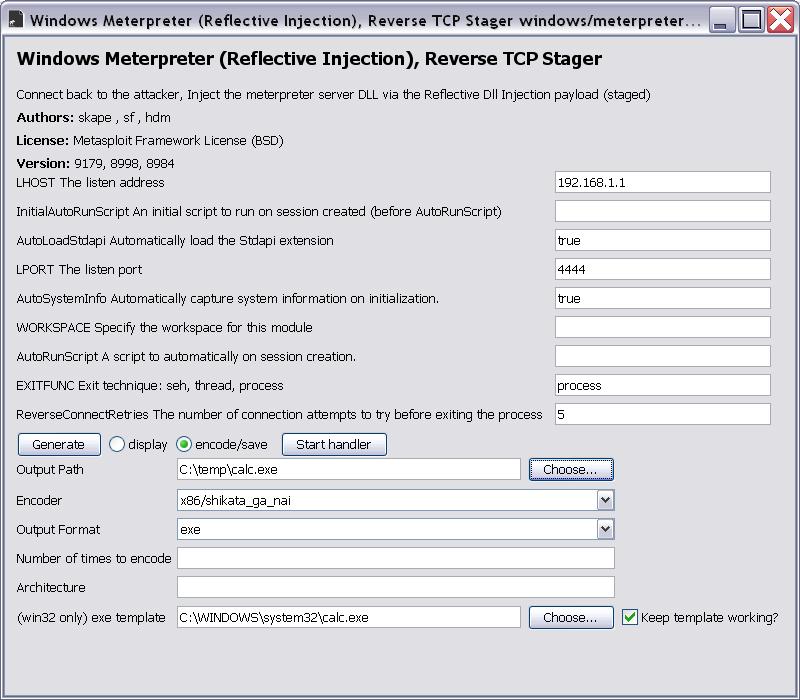
Generating Payloads

Meterpreter sweetness
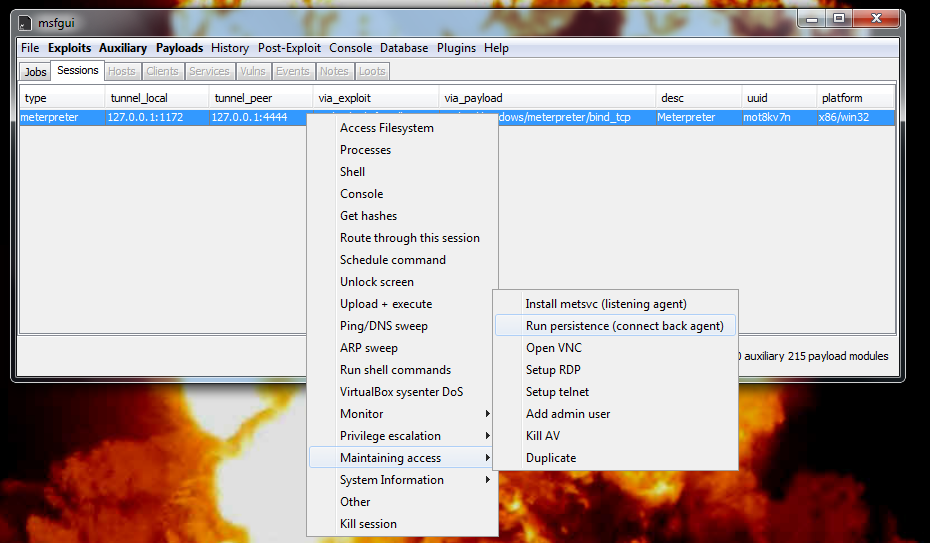
Meterpreter Hotness
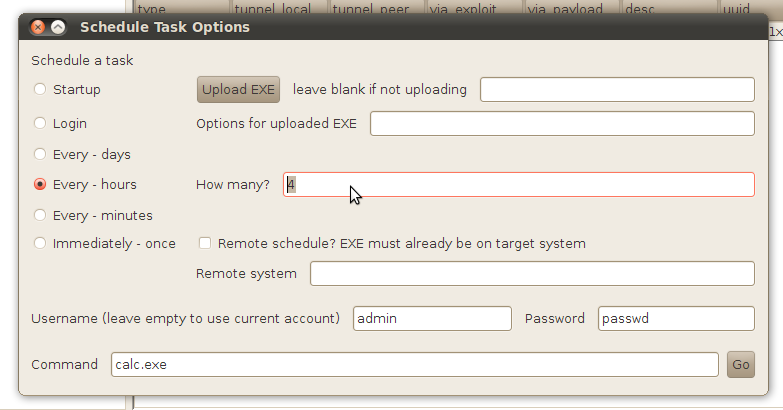
Meterpreter Awesomeness
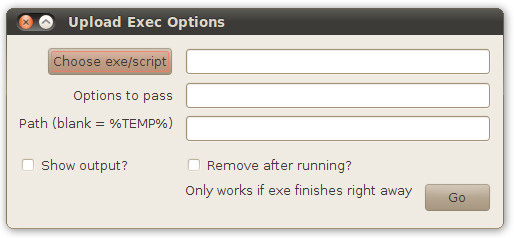
Meterpreter Amazingness
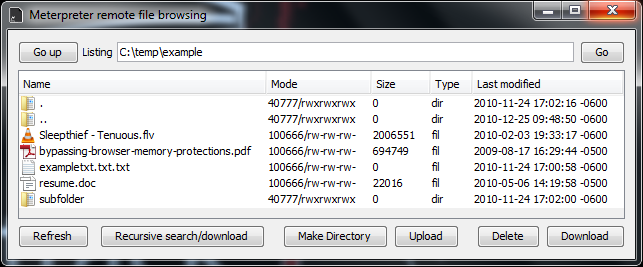
Interacting with Filesystem

Metal UI
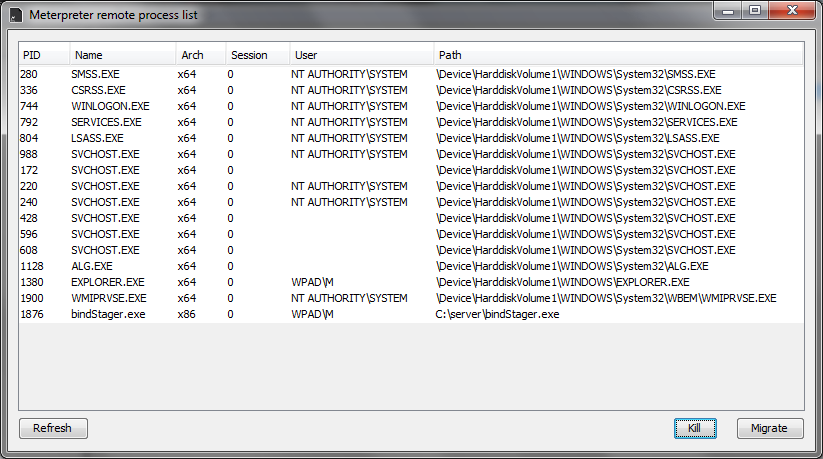
Viewing Processes

Searching for Modules
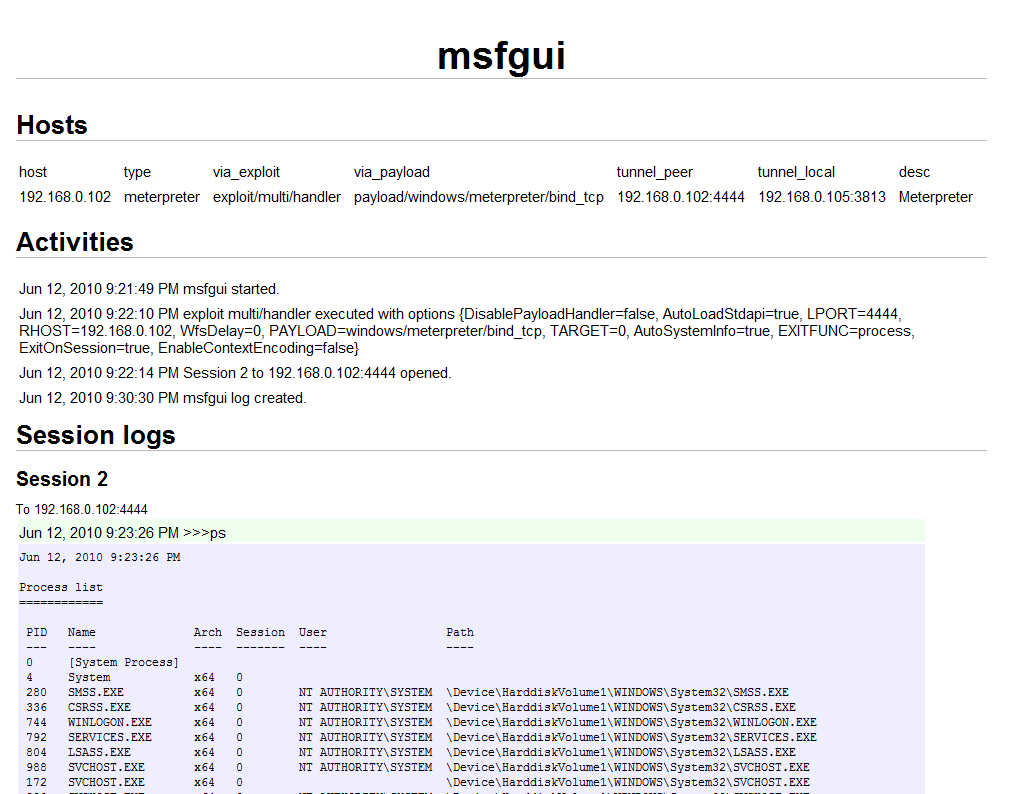
Activity Log/Report with full transcript
Windows install video:
#1 by Jason on April 24, 2014 - 2:36 pm
Nice one… Trying to get it work.. No luck yet.
root@bt:/opt/msfgui/msfgui-master# ./msfgui
java.net.SocketException: Connection reset
at java.net.SocketInputStream.read(SocketInputStream.java:185)
at java.io.BufferedInputStream.fill(BufferedInputStream.java:235)
at java.io.BufferedInputStream.read1(BufferedInputStream.java:275)
at java.io.BufferedInputStream.read(BufferedInputStream.java:334)
at sun.net.www.http.HttpClient.parseHTTPHeader(HttpClient.java:688)
at sun.net.www.http.HttpClient.parseHTTP(HttpClient.java:633)
at sun.net.www.http.HttpClient.parseHTTP(HttpClient.java:653)
at sun.net.www.protocol.http.HttpURLConnection.getInputStream(HttpURLConnection.java:1162)
====================
Any hints? Thanks!
#2 by Lex on April 27, 2014 - 2:19 pm
Every time i launch msfgui the splash screen appears and disappears but then nothing happens. im running 64 bit windows 7, java 7
#3 by Unknown on May 12, 2014 - 8:51 am
Hello .. bro
it’s looks sexy 🙂
but i don’t Know which version of MSF Supported ..
when i run it just display splash and go on >>>
Iam using 4.7 Community & Win xp 32 bit & latest java
Please if you have time take some minutes to make small demo how to run it ? & what’s version support it
Thanks … Regrads 🙂
#4 by scriptjunkie on May 20, 2014 - 4:55 pm
Hey guys on Windows, try installing with the new installer I just pushed. Let me know if that works for you.
#5 by Unknown on May 26, 2014 - 5:08 am
Great ….
Now run & Working Perfectly
Very Special Thanks criptjunkie
Tested With the latest 32 bit version of Metasploit (V4.8)
Xp sp3 32 bit & win 7 Ultimate 32 bit too & Latest Java
Thanks Agian
BUT i Have Small ?
i like the balck & green –> (Matrix) Theme at above scrren shots but i can’t Find it At Themes List
Can You Tell Me How Can I get it & Add it in Themes List ? 🙂 🙂
Kind Regrads
#6 by scriptjunkie on May 26, 2014 - 2:21 pm
To get that theme go to View->Preferences, select the NimbusLookAndFeel, then check the “Override color theme” box, click on the “Foreground” box and pick green and then the “Background” box and click black.
#7 by Unknown on May 26, 2014 - 4:50 pm
Thanks scriptjunkie
Greetings 😉
#8 by Bonez on December 23, 2014 - 6:46 am
Cool GUI… Is this gui have search function? Search for exploit inside metasploit.
#9 by sina on September 13, 2016 - 10:24 am
hello i have a probelm i have metasploit 4.12 and when i instal msfgui in the file and when i open and start it says msfrpcd not found what should i do ?
#10 by scriptjunkie on September 18, 2016 - 1:01 am
What OS are you using?
#11 by Joss on October 10, 2016 - 4:14 pm
Hello, same problem here – MS 4.12, W10, x64
#12 by scriptjunkie on October 18, 2016 - 1:11 pm
I made some updates to msfgui to check the new file layout of the metasploit framework Windows installer. Please try that.